Setup a Django Project
Here are the steps to perform to setup a Django project:
Install Django dependencies
Create a project directory
Use django-admin to start a new project
Run and preview the project
Pre-requisites
Requires a Python project. Follow the Setup Python Project guide to complete this.
Guide code:
setup-django-project branch in the GitHub repository.
Install Django dependencies
Add Django dependencies to requirements.txt
-r docs/requirements.txt
django
djangorestframework
pytest
pytest-cov
pytest-django
python-dotenv
I prefer following the convention to order the dependency names alphabetically.
Install the dependencies:
pip install -r requirements.txt
Create a project directory
Create a directory for the project:
mkdir src
cd src
Use django-admin to start a new project
Make sure you are in /src/ folder and create new django project, using django-admin command:
django-admin startproject blogapi .
The project files and directories should be like the following:
├── src
│   ├── blogapi
│   │   ├── __init__.py
│   │   ├── settings.py
│   │   ├── urls.py
│   │   ├── asgi.py
│   │   └── wsgi.py
│   └── manage.py
├── requirements.txt
├── README.md
└── LICENSE
I have not included the docs folder intentionally.
Run and preview the project
Migrate the project database:
python manage.py migrate
This will create a db.sqlite3 file in the project directory:
├── src
│   ├── db.sqlite3
│   ├── blogapi
│   │   ├── __init__.py
│   │   ├── settings.py
│   │   ├── urls.py
│   │   ├── asgi.py
│   │   └── wsgi.py
│   └── manage.py
├── requirements.txt
├── README.md
└── LICENSE
Start a Django development server:
python manage.py runserver
Watching for file changes with StatReloader
Performing system checks...

System check identified no issues (0 silenced).
August 04, 2024 - 12:00:26
Django version 5.0.7, using settings 'blogapi.settings'
Starting development server at http://127.0.0.1:8000/
Quit the server with CONTROL-C.
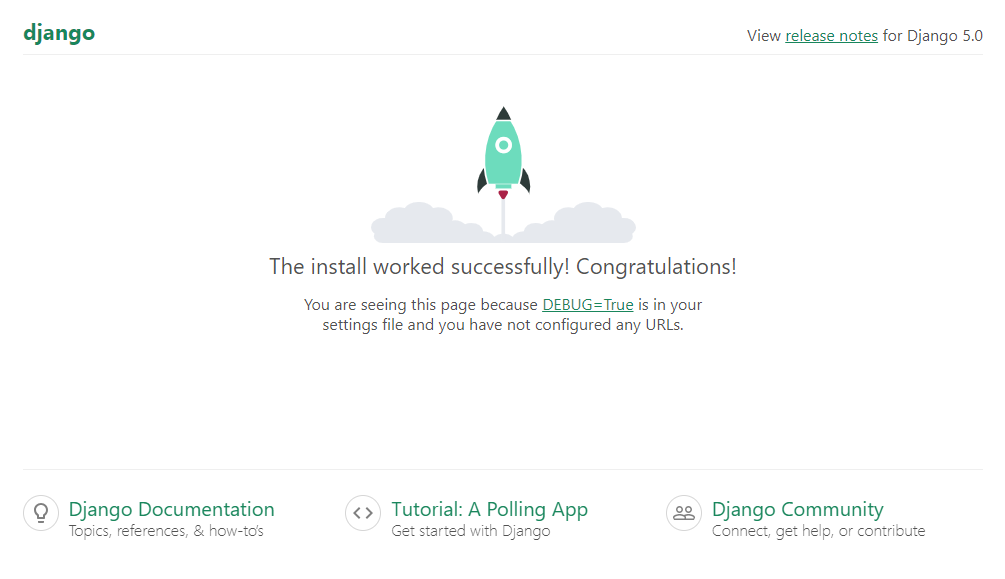
Open a web browser window and navigate to http://127.0.0.1:8000/: