Custom Django User Model
In this guide we will perform following steps:
Create
accountsDjango ApplicationCreate a user model in
accountsappMigrate the database
Register the user model in Django admin
Pre-requisites
Requires the Setup a Django Project guide to be completed.
Guide code:
custom-django-user-model branch in the GitHub repository.
Create accounts Django Application
# Revert admin migrations - admin will depend on accounts
python manage.py migrate admin zero
Let’s create the accounts app:
python manage.py startapp accounts
We need to register the accounts app in Django settings:
# django_project/settings.py
INSTALLED_APPS = [
    # .........
    # 3rd Party
    'rest_framework',
    # Local
    "accounts.apps.AccountsConfig", # new
]
Create the User Model
# accounts/models.py
from django.contrib.auth.models import AbstractUser
from django.db import models


class CustomUser(AbstractUser):
    name = models.CharField(null=True, blank=True, max_length=100)
To tell Django to use our model for user management, we need to define a AUTH_USER_MODEL variable in Django settings:
# django_project/settings.py
AUTH_USER_MODEL = "accounts.CustomUser"
Migrate the database
python manage.py makemigrations
# Apply migrations
python manage.py migrate
# Create superuser
python manage.py createsuperuser
Navigate the browser to the admin interface http://127.0.0.1:8000/admin/ (do not forget to start a development server first ;-) ).
The new user model is not showin in the admin interface. In order to get the user model shown in admin interface, we need to register it in admin.
Register User Model in Admin
# accounts/forms.py
from django.contrib.auth.forms import UserCreationForm, UserChangeForm
from .models import CustomUser


class CustomUserCreationForm(UserCreationForm):
    class Meta(UserCreationForm):
        model = CustomUser
        fields = UserCreationForm.Meta.fields + ("name",)


class CustomUserChangeForm(UserChangeForm):
    class Meta:
        model = CustomUser
        fields = UserChangeForm.Meta.fields
We are using the default UserCreationForm and UserChangeForm classes.
# accounts/admin.py
from django.contrib import admin
from django.contrib.auth.admin import UserAdmin
from .forms import CustomUserCreationForm, CustomUserChangeForm
from .models import CustomUser


class CustomUserAdmin(UserAdmin):
    add_form = CustomUserCreationForm
    form = CustomUserChangeForm
    model = CustomUser
    list_display = [
        "username",
        "email",
        "name",
        "is_staff",
    ]
    fieldsets = UserAdmin.fieldsets + ((None, {"fields": ("name",)}),)
    add_fieldsets = UserAdmin.add_fieldsets + ((None, {"fields": ("name",)}),)


admin.site.register(CustomUser, CustomUserAdmin)
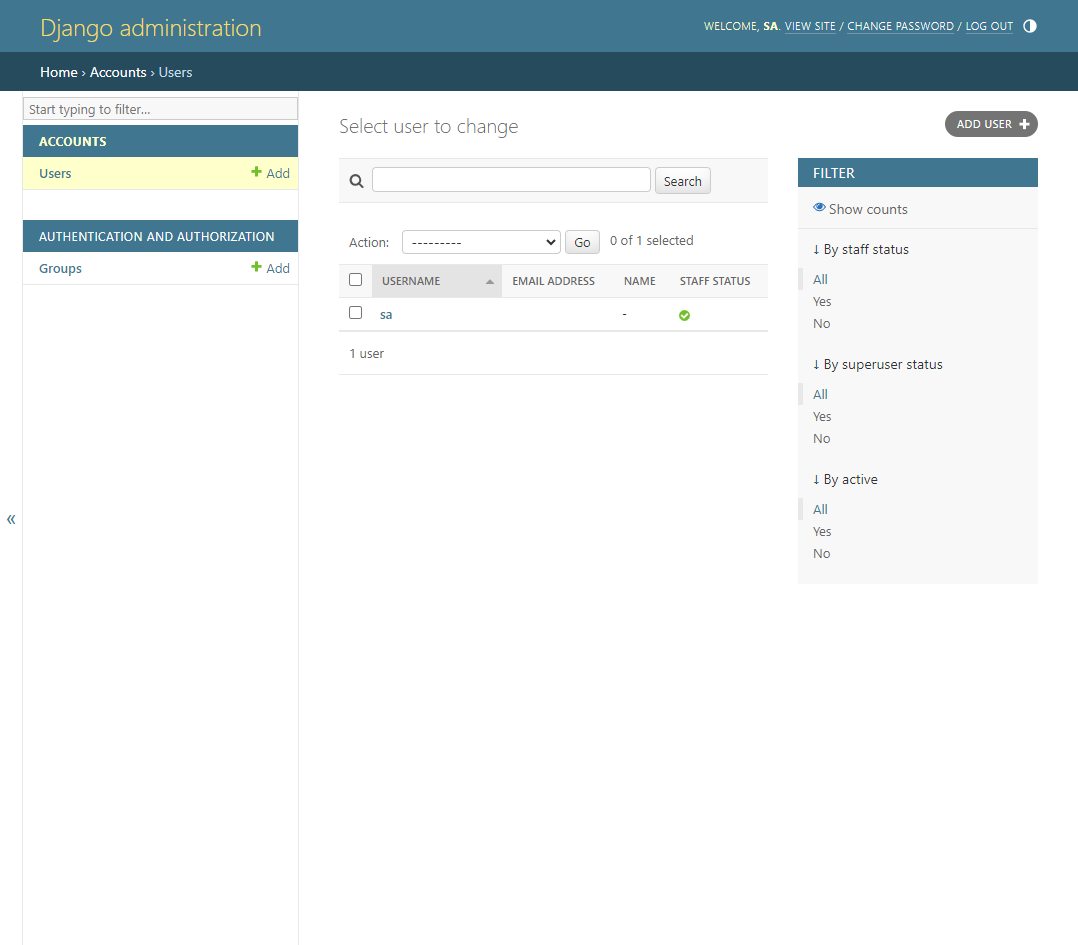
We defined username to be the first column in the list as it is to link to the user details. If we used email, the link would not be avialable in case the email is not provided.
Now user model is available in admin.
At the end of this guide the file tree should look like:
├── db.sqlite3
├── blogapi
│   ├── __init__.py
│   ├── settings.py
│   ├── urls.py
│   ├── asgi.py
│   └── wsgi.py
├── accounts
│   ├── __init__.py
│   ├── tests.py
│   ├── apps.py
│   ├── models.py
│   ├── forms.py
│   ├── admin.py
│   └── views.py
└── manage.py